01
Give Trundle the ticket
Add the goal, constraints and context so the work starts with the full picture
Trundle takes a ticket, uses your team’s context, writes the change on a feature branch, runs checks and opens a pull request with the evidence attached.
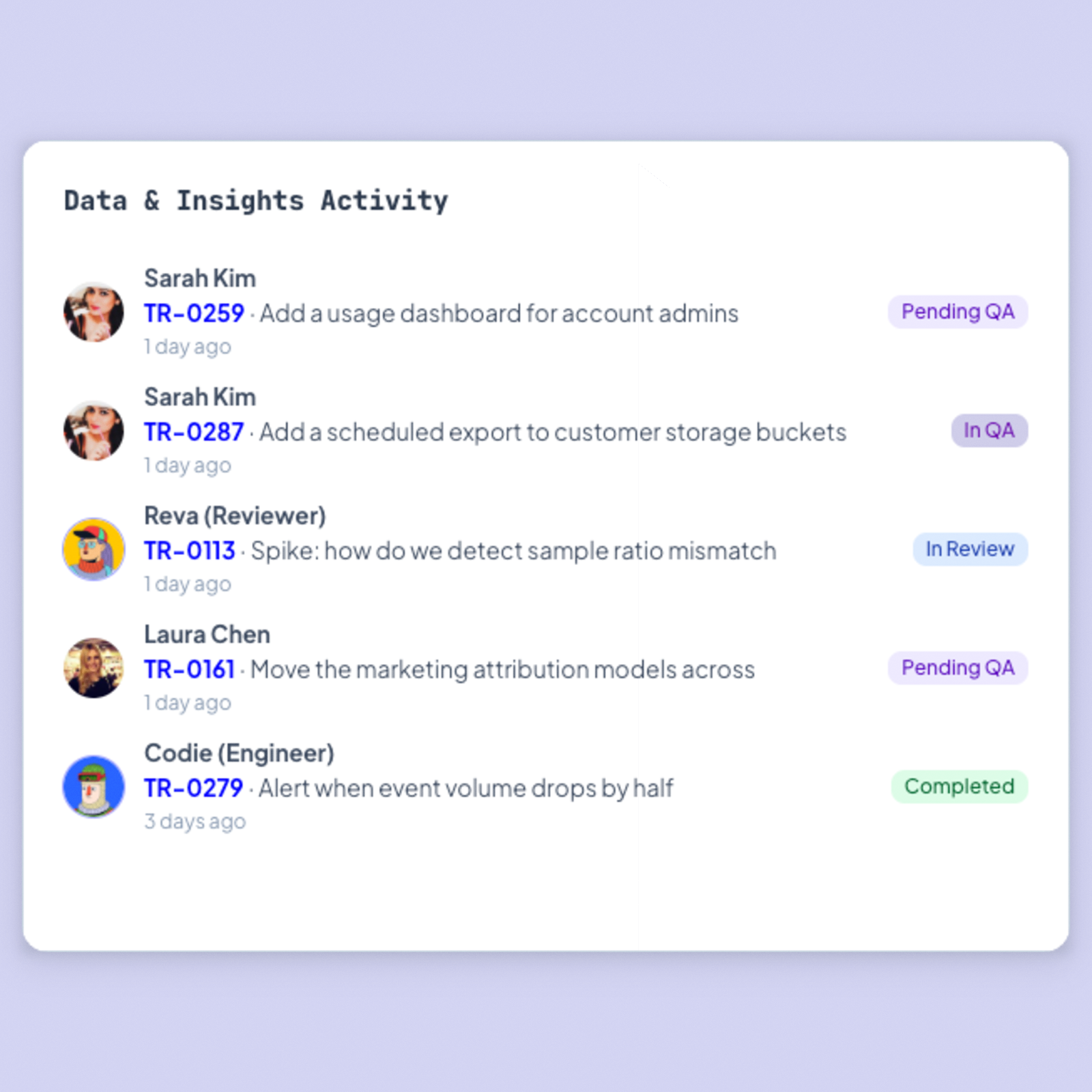
Trundle takes a ticket, uses your team’s context, writes the change on a feature branch, runs checks and opens a pull request with the evidence attached.
Trundle takes a ticket, uses your team’s context, writes the change on a feature branch, runs checks and opens a pull request with the evidence attached.
Planning, code, review and QA stay attached to the same ticket, so nobody has to piece the context back together
Add the goal, constraints and context so the work starts with the full picture
It writes the code, opens the pull request and runs the agreed review and QA checks
Review the pull request and its evidence, then decide what merges
Before an agent writes code, Trundle helps your team clarify the work, expose the risks and keep the plan attached to delivery.
Turn vague asks into tickets with scope, context, estimates and acceptance criteria.
Spot blockers, dependencies and missing context before they stall delivery.
Connect projects, phases and sprint work to the execution that follows.
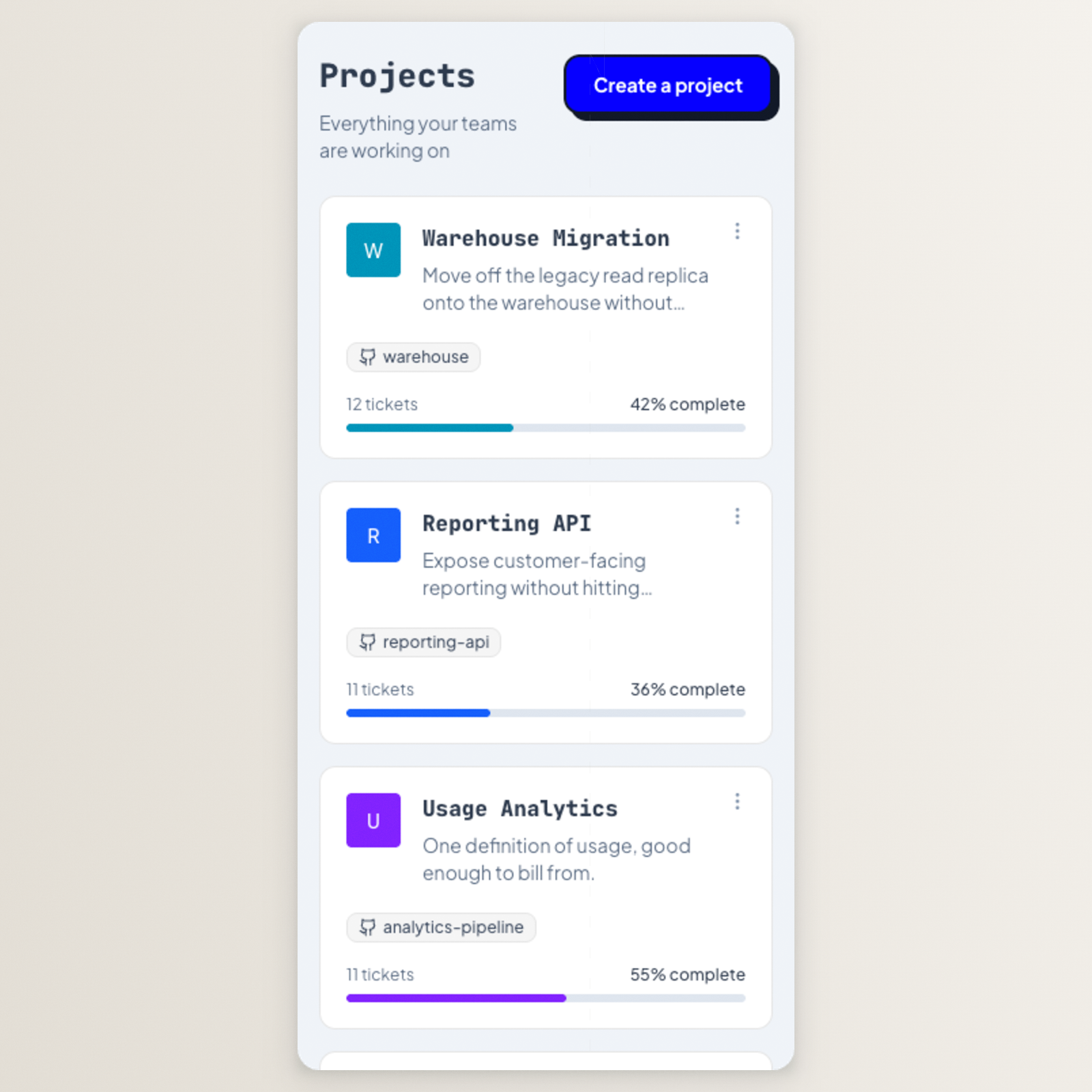
Before an agent writes code, Trundle helps your team clarify the work, expose the risks and keep the plan attached to delivery.
Turn vague asks into tickets with scope, context, estimates and acceptance criteria.
Spot blockers, dependencies and missing context before they stall delivery.
Connect projects, phases and sprint work to the execution that follows.
Trundle connects the context, controls and workflows that keep your team in the loop and work moving.
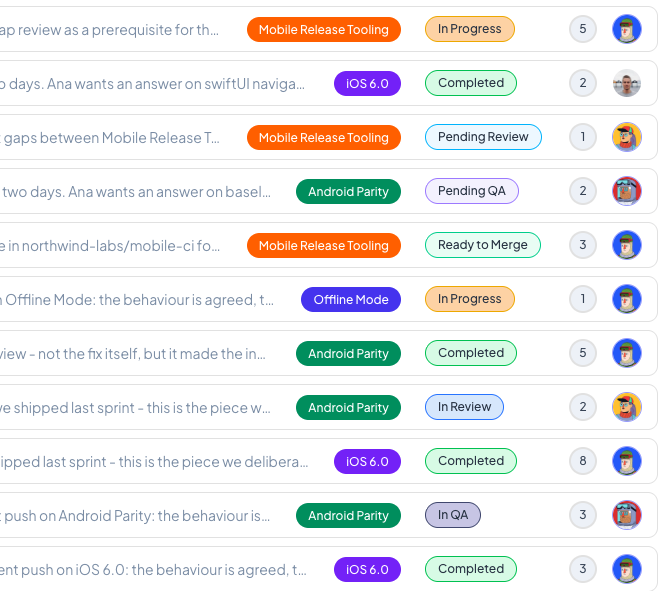
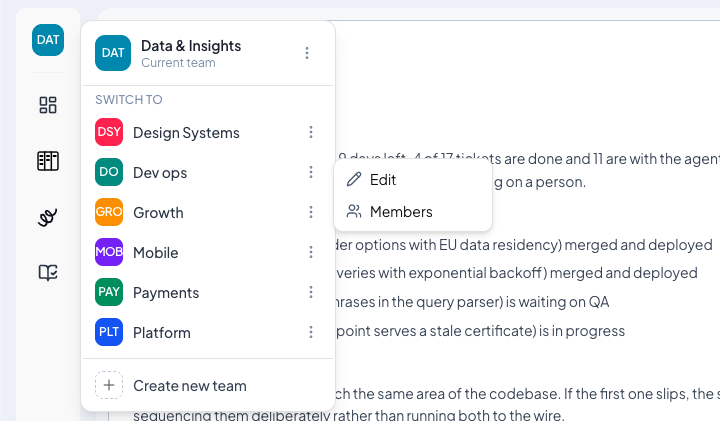
See ownership, workload, blockers and where each piece of work is actually sitting.
Explore team management→Ask what changed, what is blocked and what needs attention — with answers grounded in the work.
Explore project intelligence→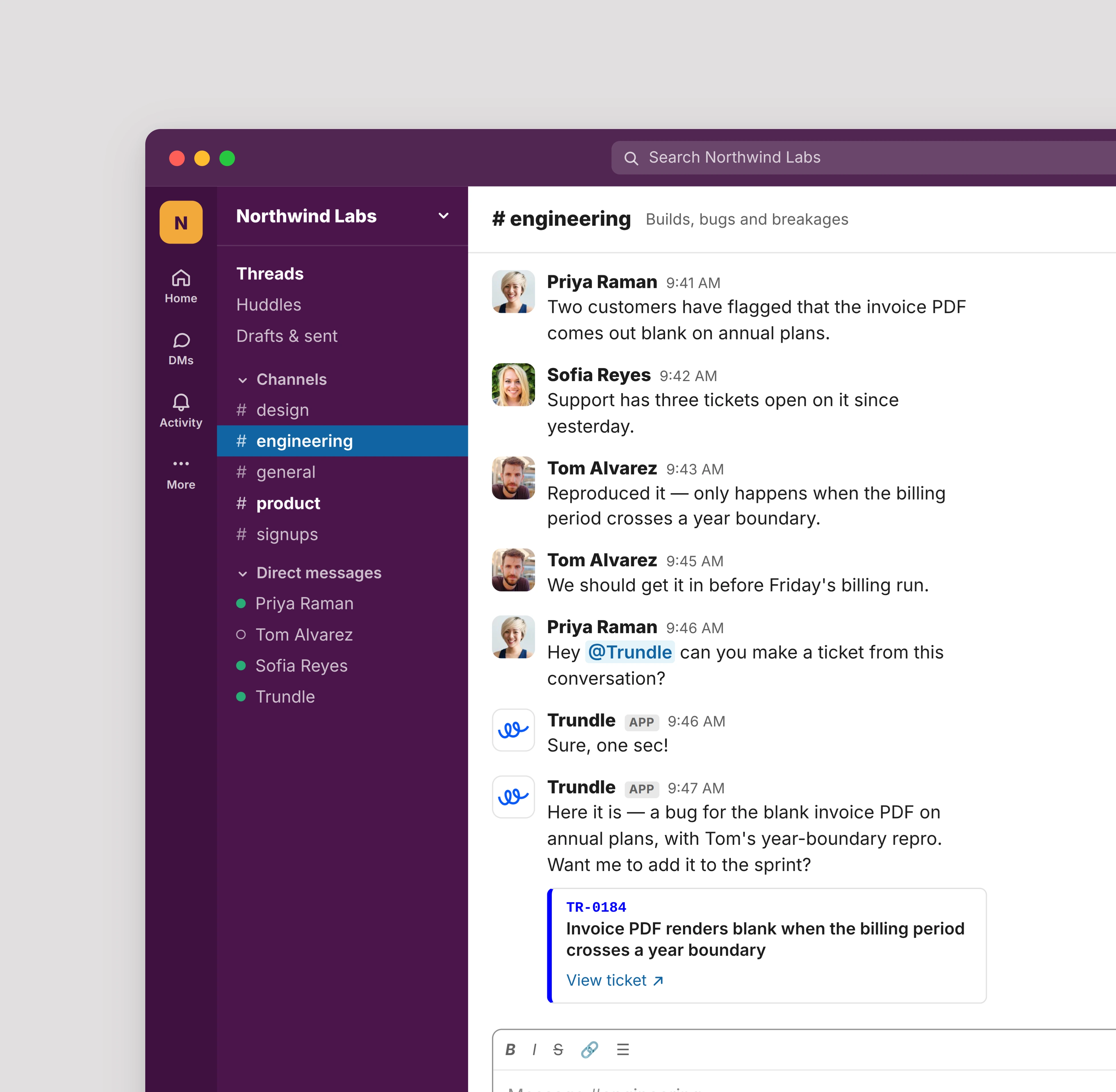
Mention @Trundle in Slack and say “Create a ticket for…” to turn the conversation into tracked work.
Explore integrations→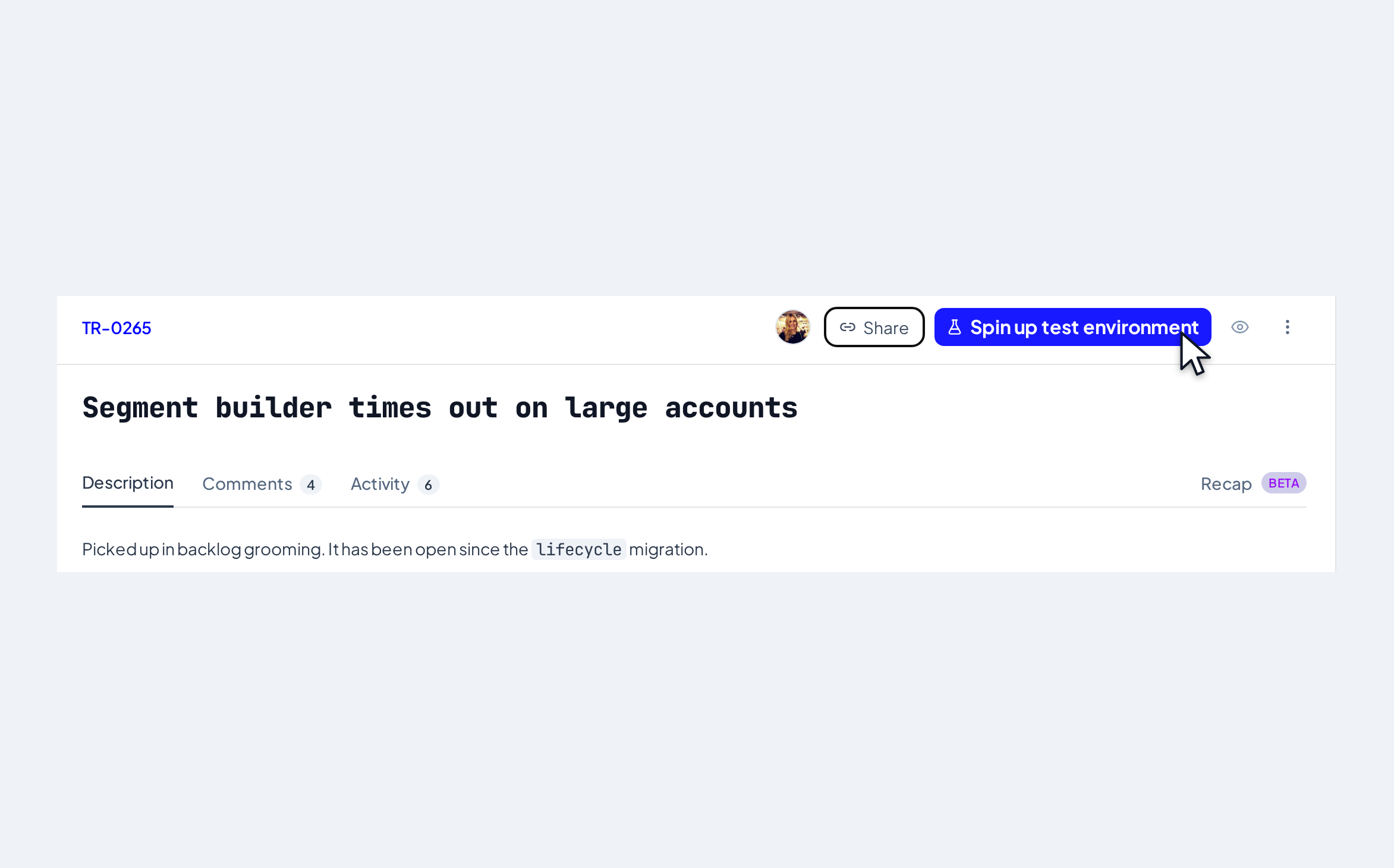
Review real changes in safe environments before anything reaches production.
Explore reviews and delivery→Decide what Trundle can access, who can approve work and what needs a human decision.
Explore permissions→Understand momentum, blockers and delivery status without chasing updates.
Explore analytics→Planning, ownership, execution, review and delivery live in one product, with your team in control of what moves next.
Set who can see, decide and act, while keeping ownership and approvals clear.
Trundle is built for visible plans, isolated changes, independent review, objective QA and human-controlled merges.
Review the approach before Trundle starts making changes.
Independent agents build and review the work, so one agent is not grading itself.
Changes stay isolated from production until your team is ready to review them.
Tests, checks and outcomes stay visible so teams can judge the work properly.
Commands, events, failures and decisions remain available for review.
Permissions define what Trundle can touch. Humans decide what ships.
Connect the tools your team already uses today — and see how upcoming integrations will bring issues, conversations and delivery signals into one accountable workflow.
Trundle gathers the relevant context, turns it into actionable work and keeps the path to delivery visible.
Explore the product areas that help your team plan the work, keep ownership clear and move changes over the line.
See how planning, agents, reviews, delivery and team visibility fit together in one product.
Meet the agents that plan, build, review and test the work.
Connect Trundle to the tools where requests, code and decisions already live.
Turn rough requests into scoped, context-rich work that is ready to move.
See ownership, workload, blockers and where work is sitting.
Review changes, launch previews and move work safely toward production.
Set up teams, roles and permissions without losing sight of who owns what.
See team managementFREQUENTLY ASKED QUESTIONS
Bring your tools, people and workflows together, then keep the work moving.
Bring your tools, people and workflows together, then keep the work moving.
Bring your tools, people and workflows together, then keep the work moving.